Turn any video into a study deck.
Deckcast turns a video into clean slides, a searchable transcript, a summary with chapters and a highlight slide for each, in 44 languages.
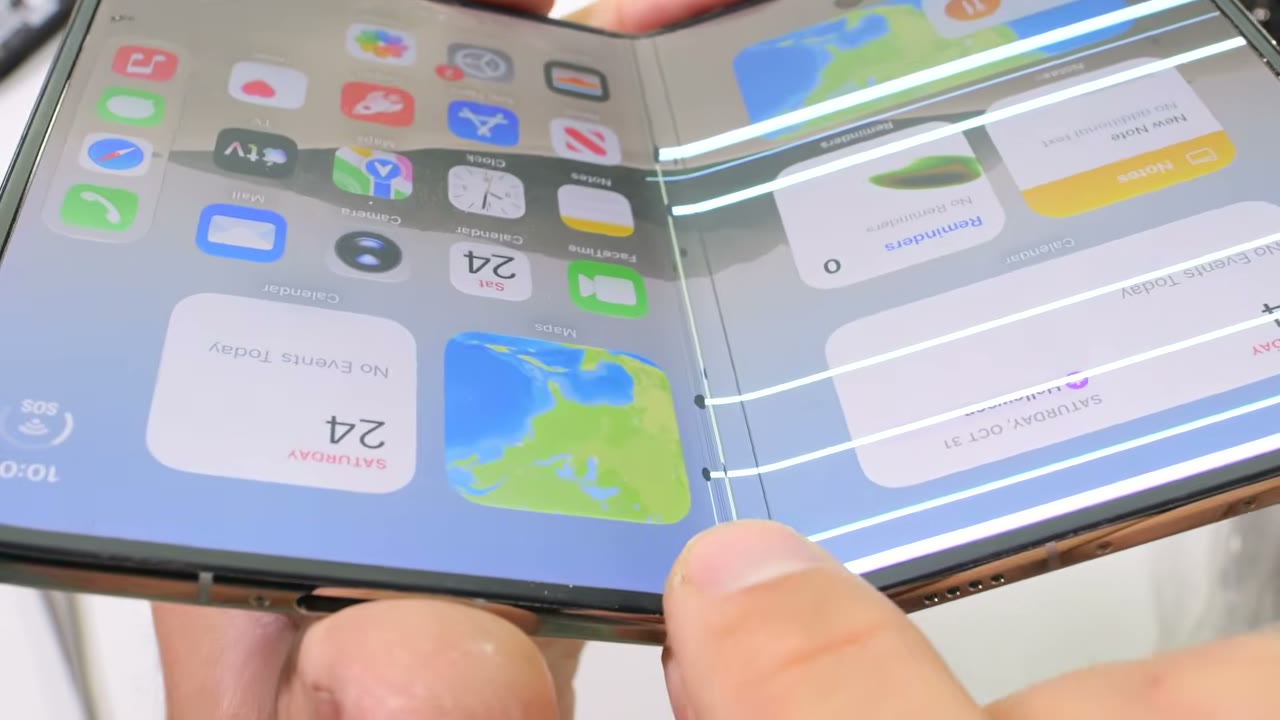
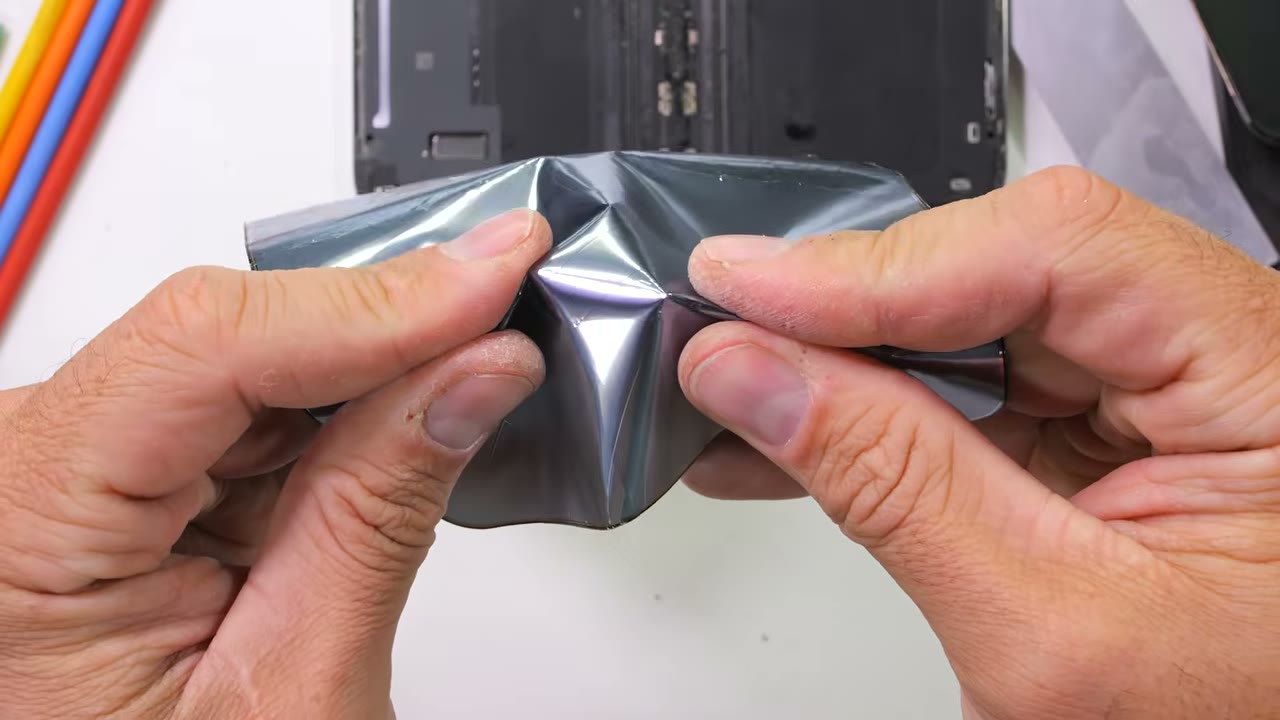
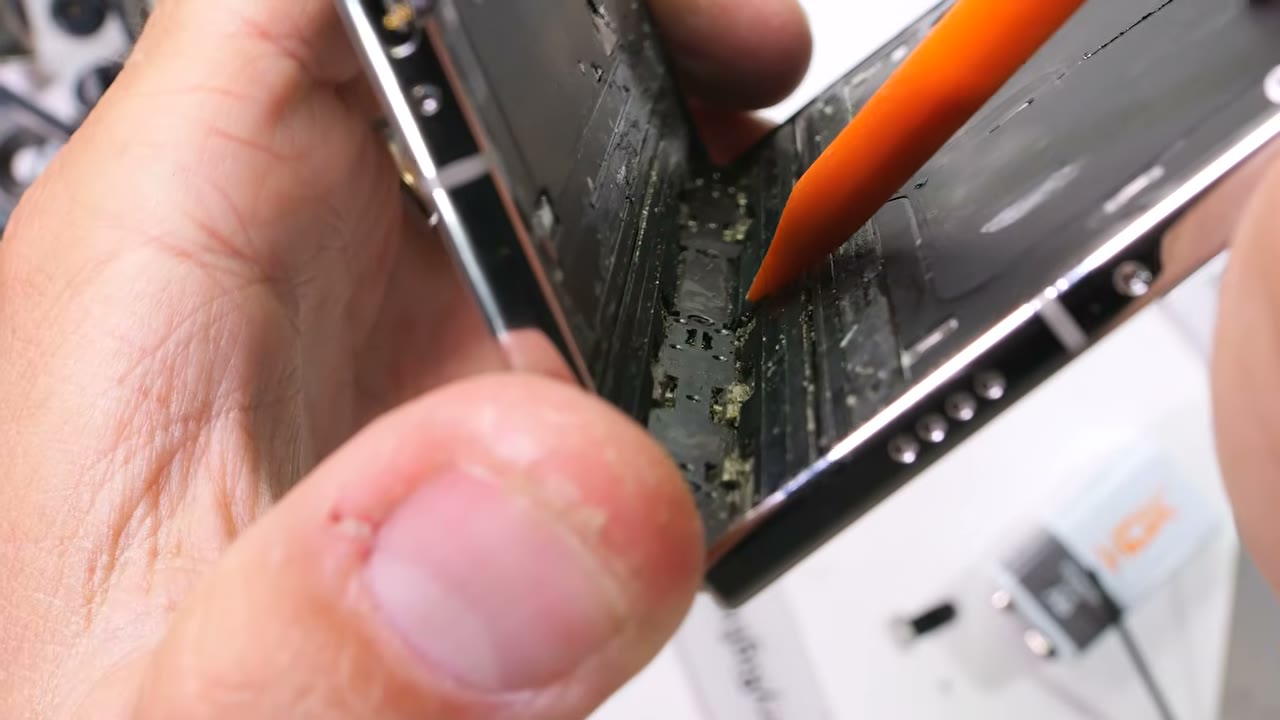
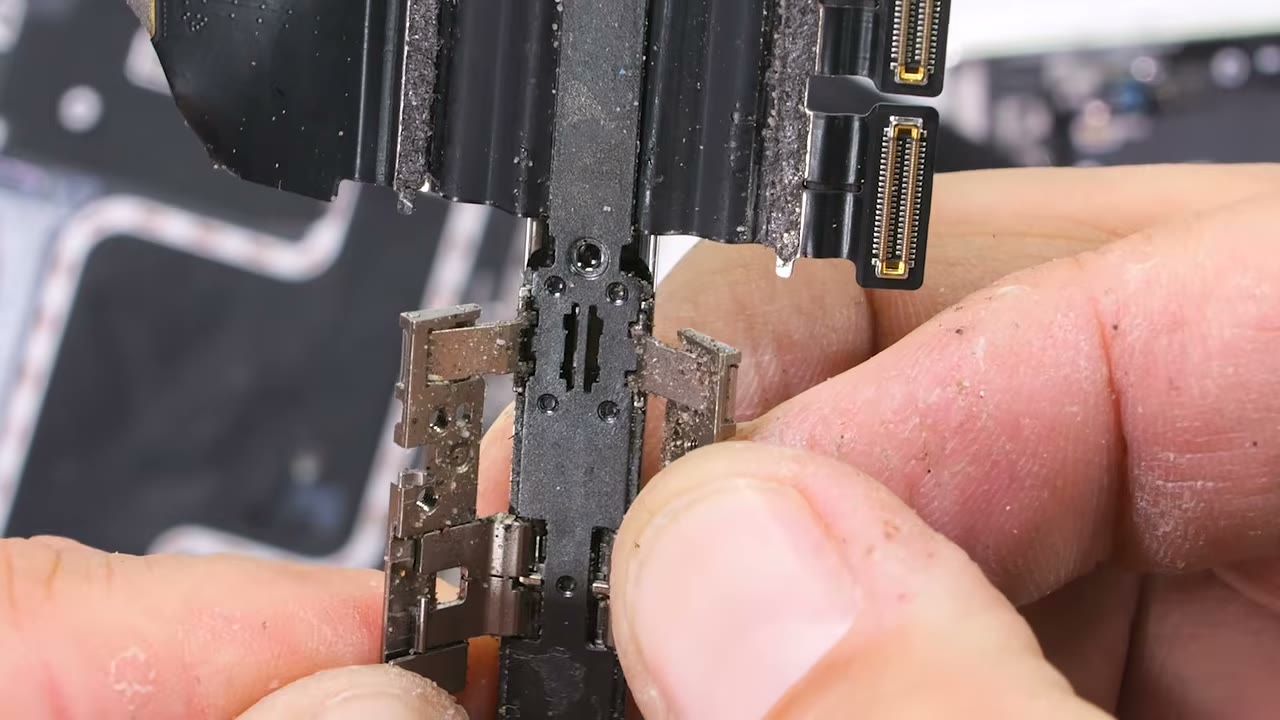
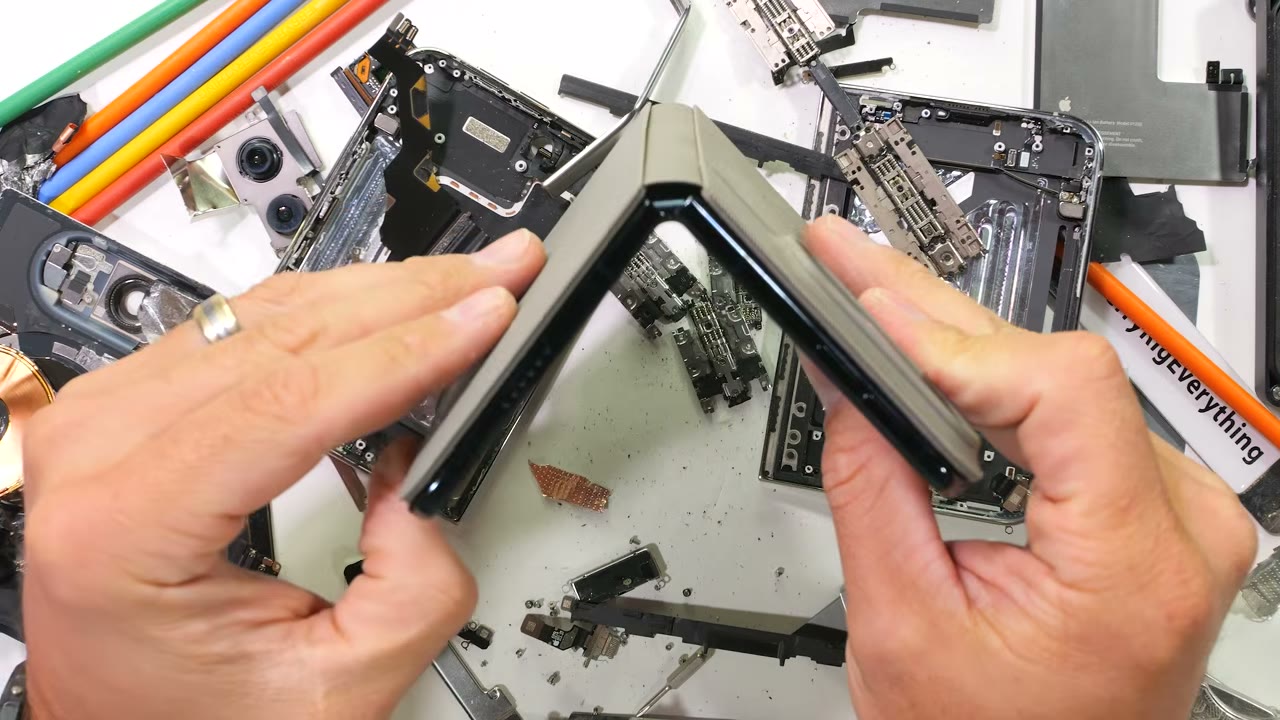
Teardowns and take-aparts
Watching someone open up a device is slow when you only want one step. Deckcast gives each stage its own slide with what the speaker said over it, so you can find the screw, the part or the connector in seconds.
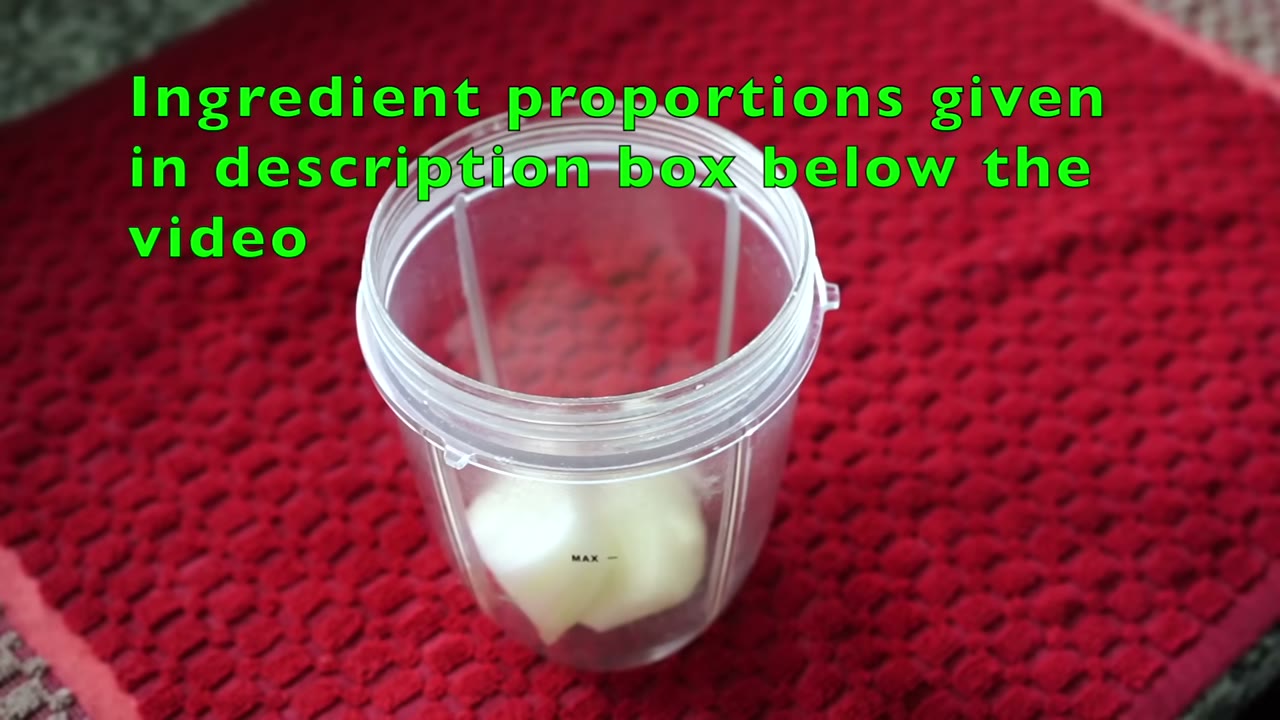
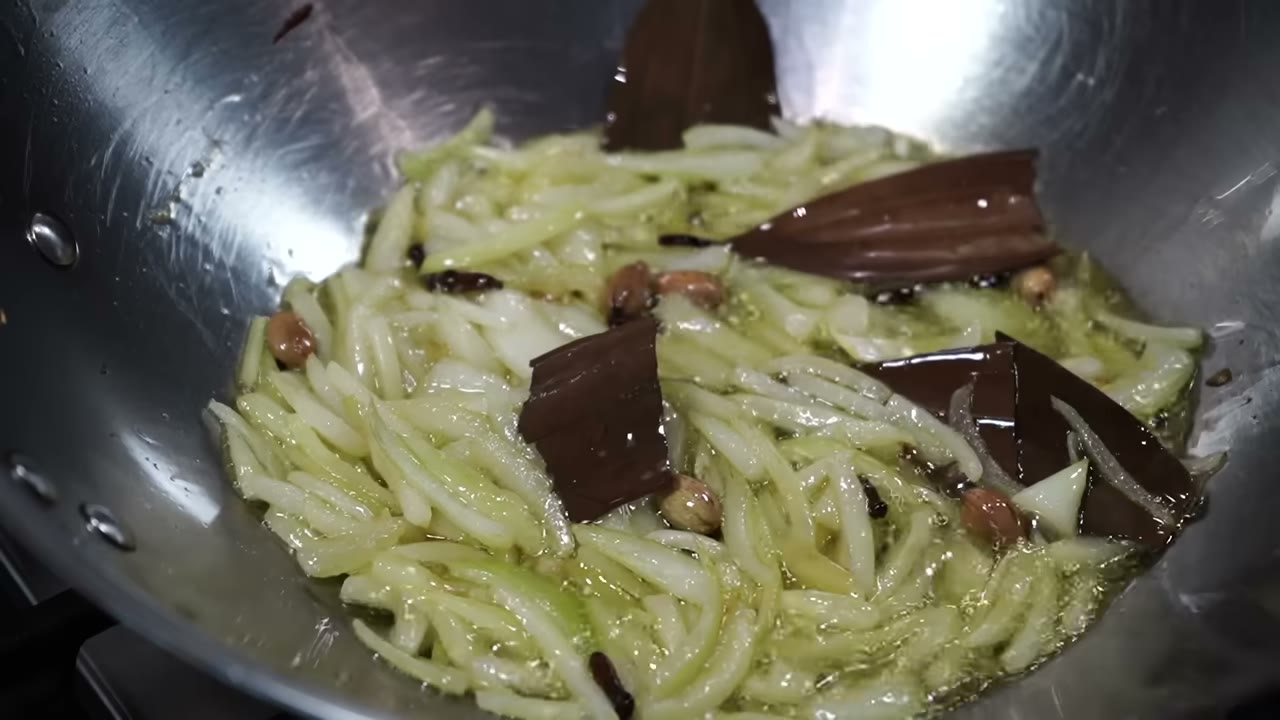
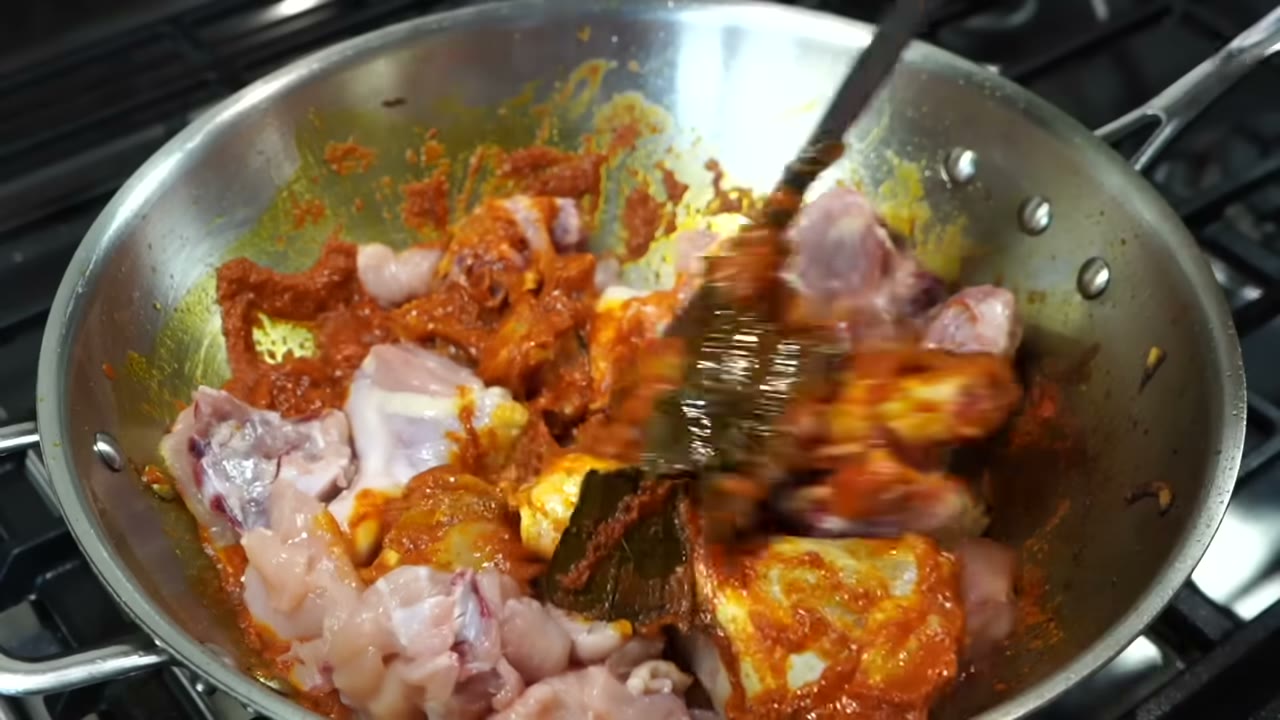
Recipes you can cook from
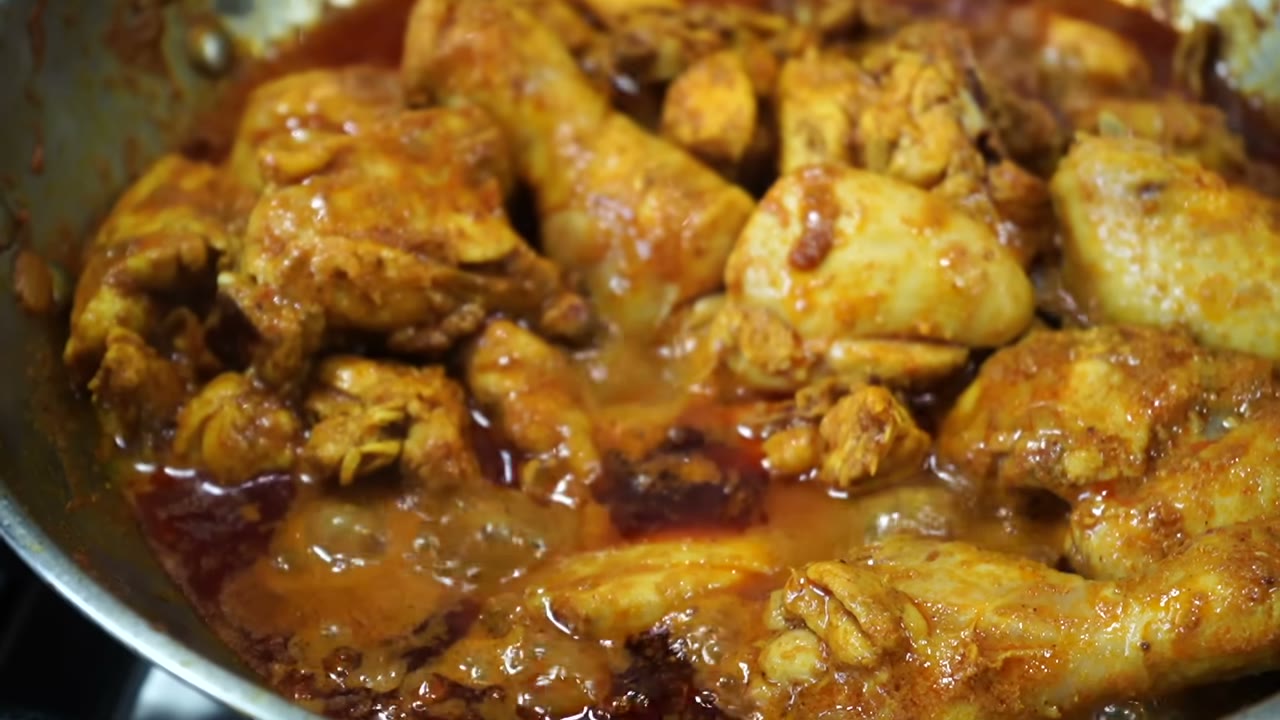
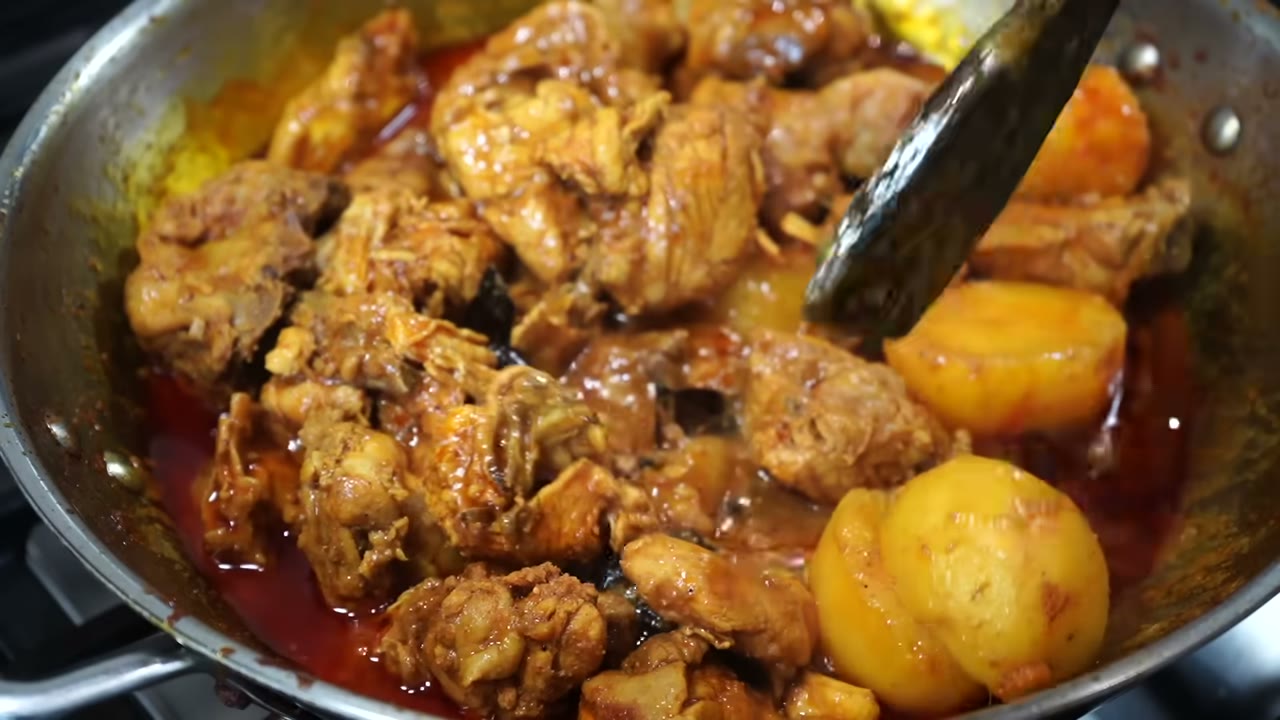
A cooking video becomes a step-by-step card deck: one slide per stage, with the quantities and timings the cook said out loud. Print the PDF and keep it by the stove.

Lecture notes in two languages
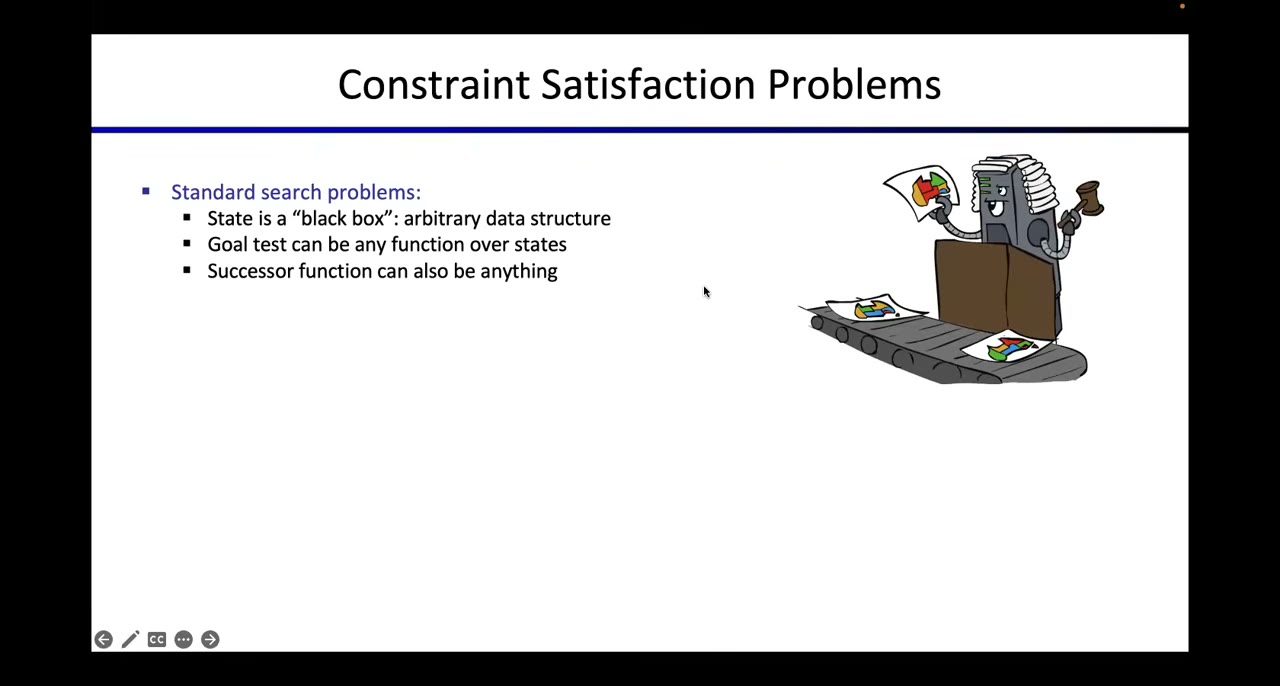
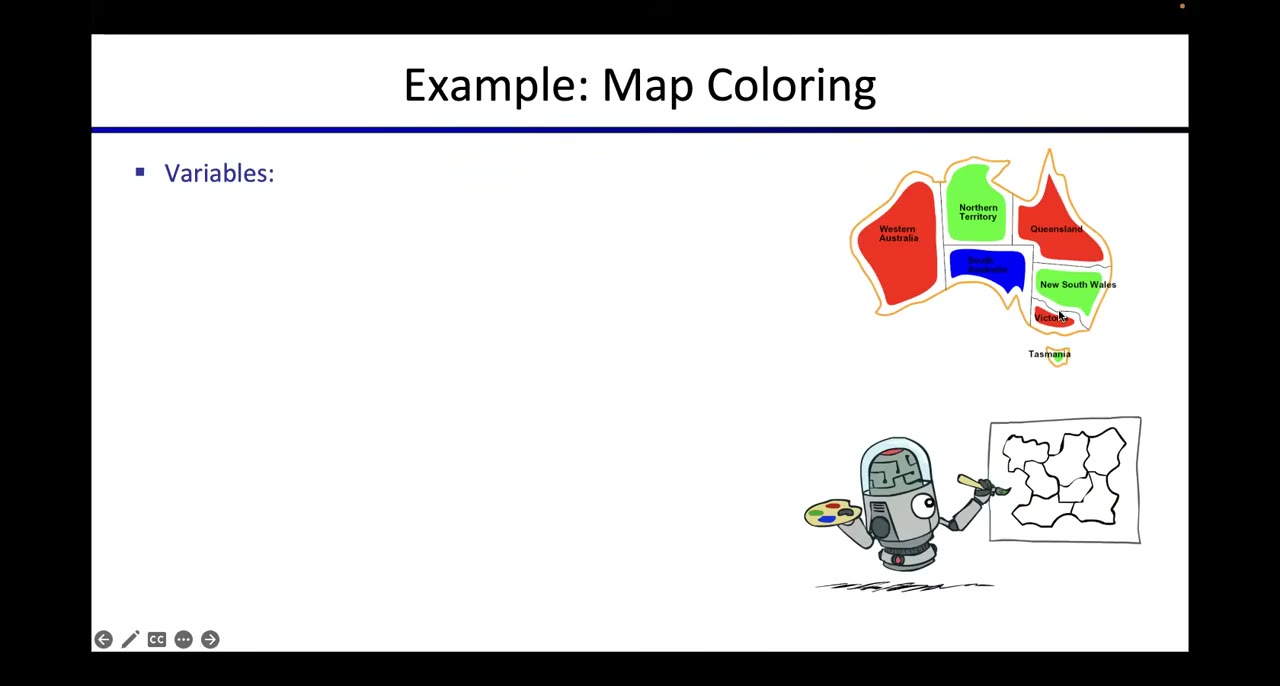
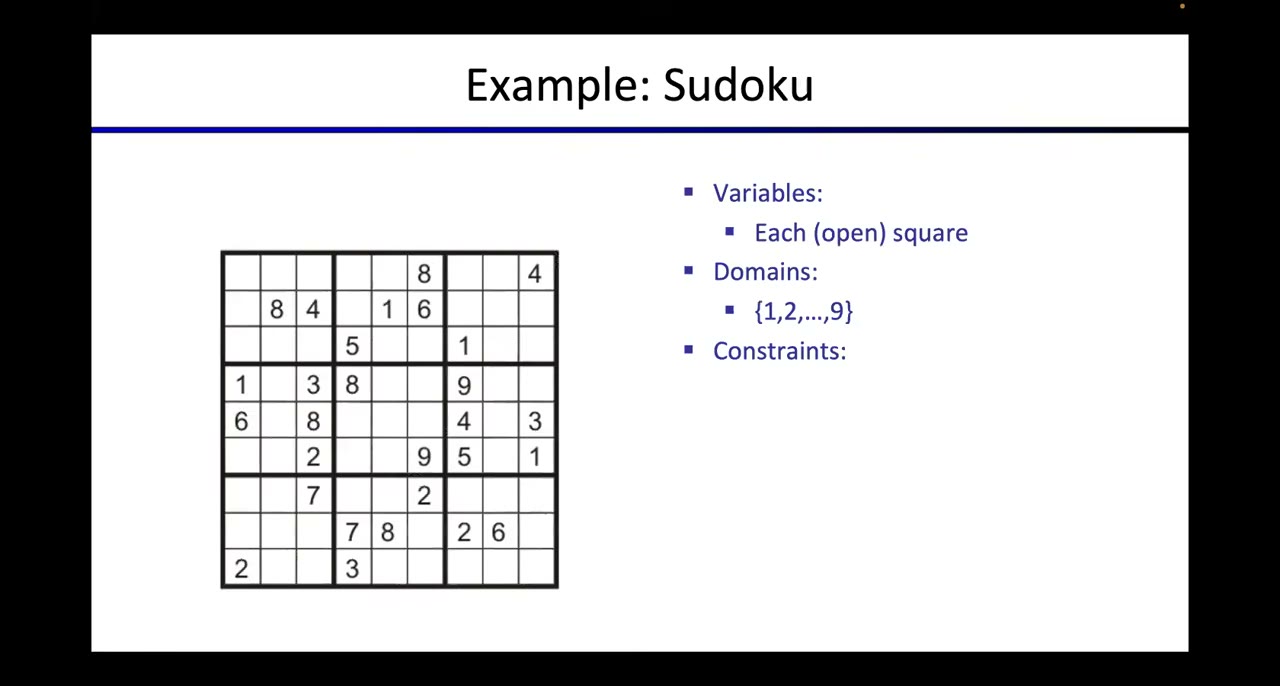
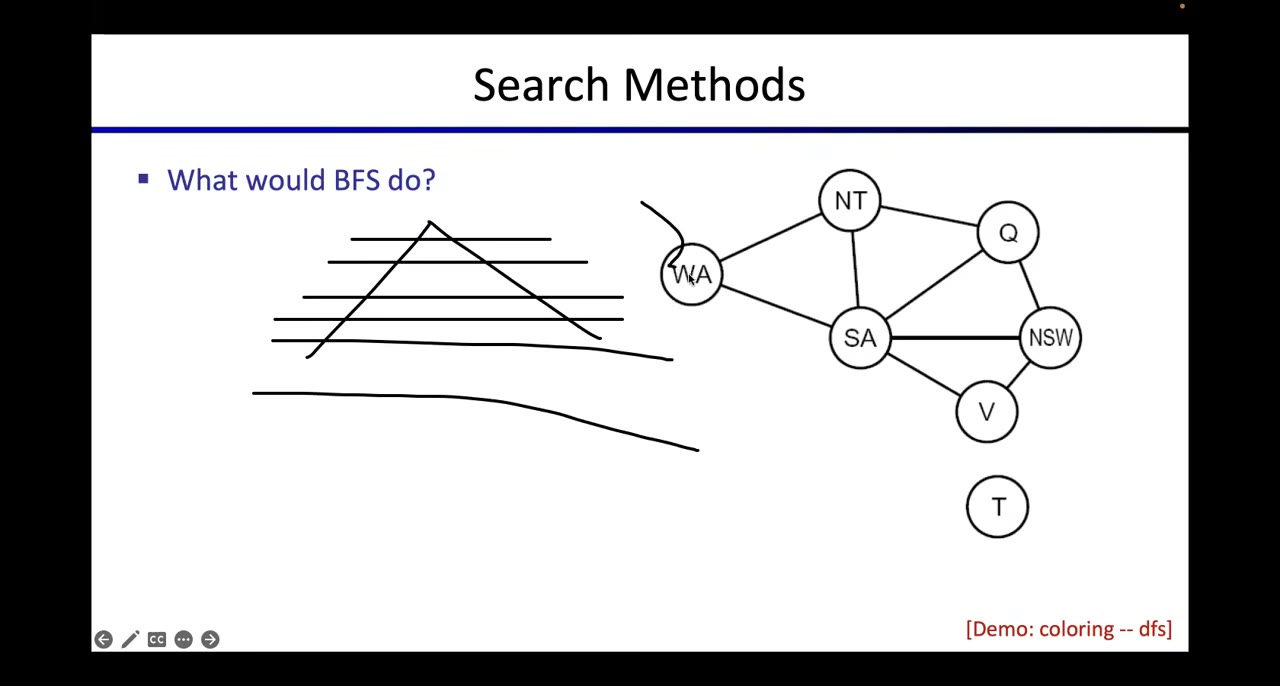
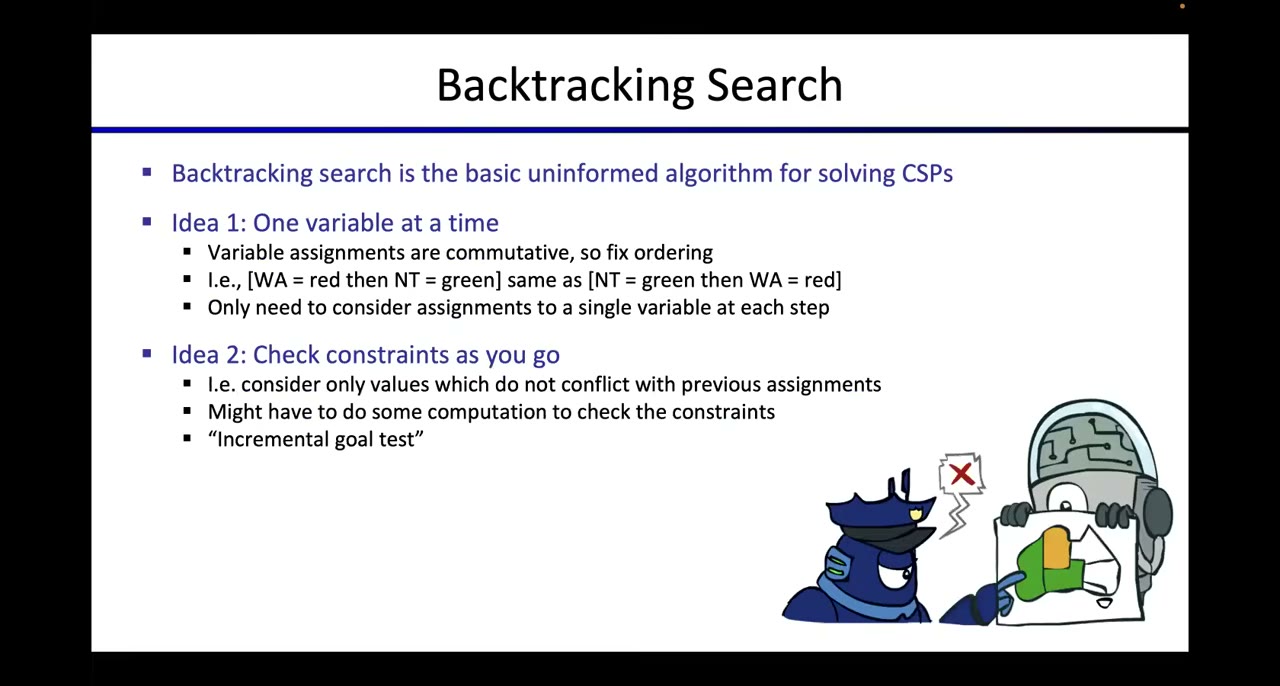
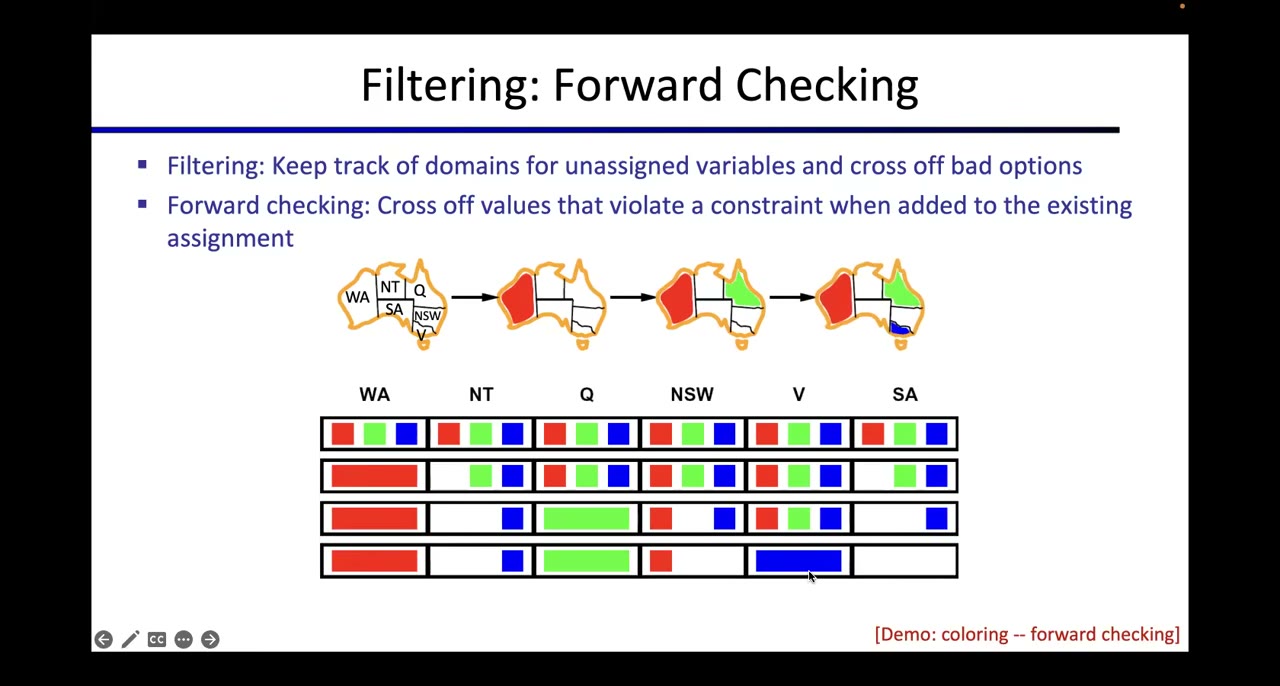
An 80-minute lecture becomes slides with the words said over each one, a summary with chapters, and a translation beside the original, here English and Simplified Chinese. Export it as a study PDF.
Fix it yourself, step by step
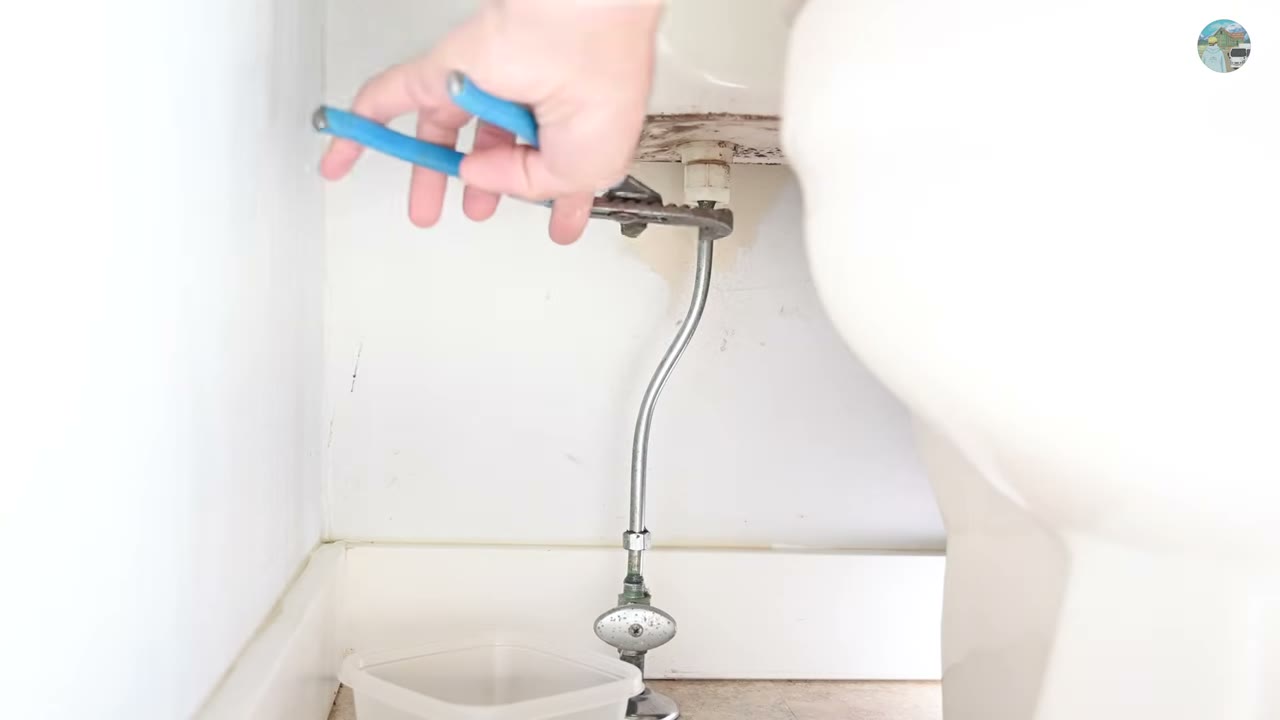
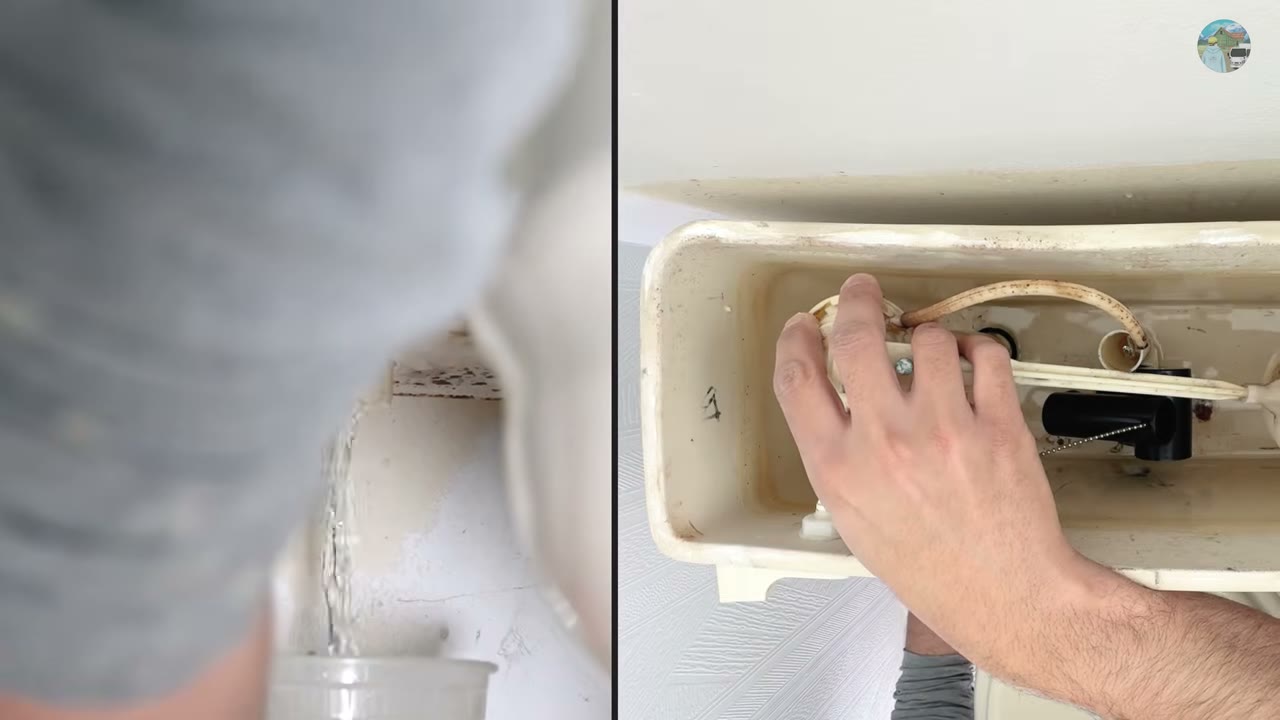
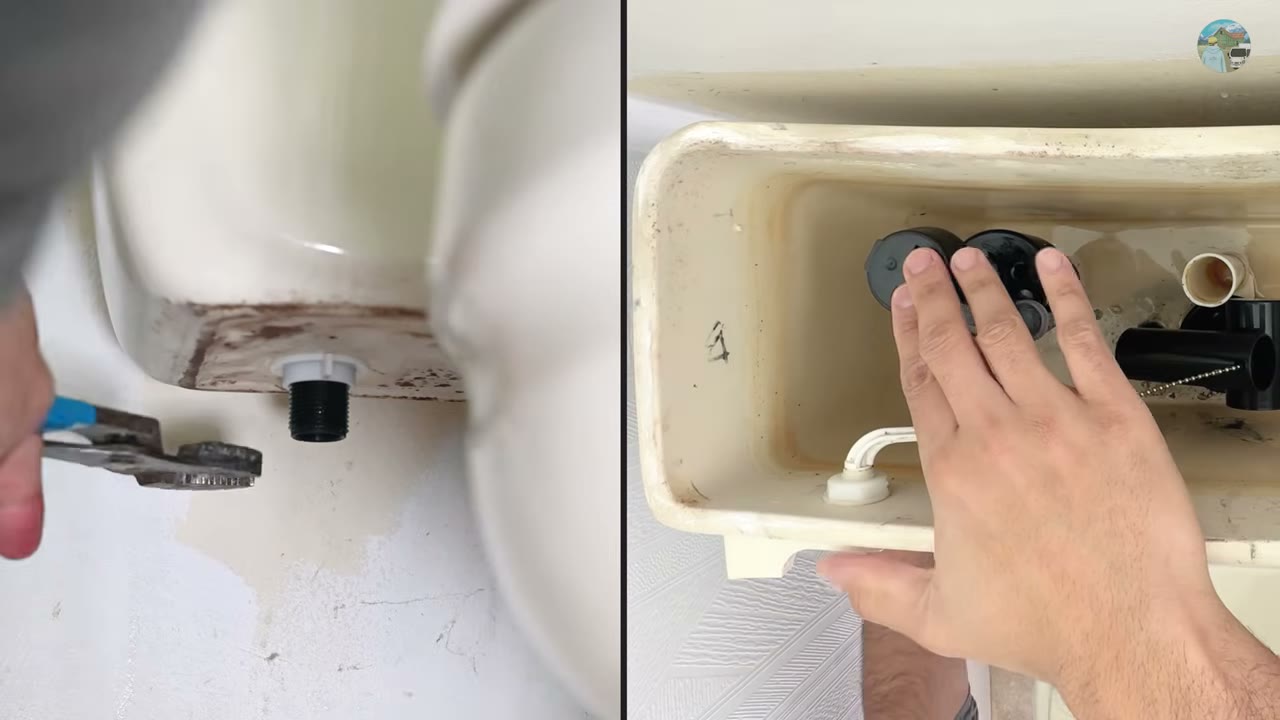
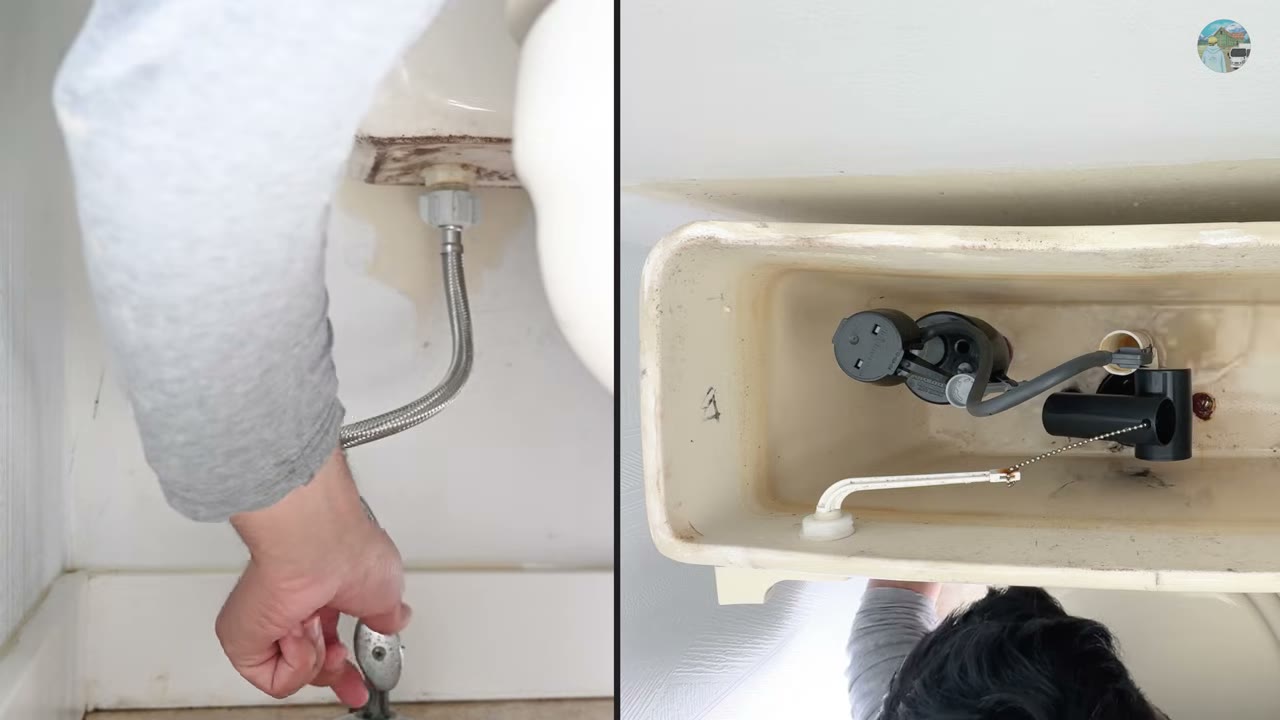
A repair video becomes a checklist: one slide per step with the part, the tool and the warning the speaker mentioned. Keep the PDF open on your phone while you work.

Made a video? Creator modeNew
Give your members a study deck for every video. For YouTube and Vimeo videos, or any file you upload. Pick Creator and Deckcast prepares what you need to publish.
- Chapters as timestamped lines you paste into the description.
- Captions as SRT and WebVTT, timed to the speech.
- A description, show notes and an FAQ written from what you said.
- Quotable moments, copied word for word, never reworded.
- Resources you mention: books, tools and sites, listed only if you named them.
- A pacing report: words a minute, dead air and how long each scene lasts.
How it works
44 languages
Translate the transcript and the summary, including Brazilian Portuguese, Latin American Spanish and Traditional Chinese. The original stays beside it.
Hindi, Russian, Chinese and more in the PDF
Every script renders correctly, and the text stays selectable and searchable.
Yours to correct
Edit any slide's text, trim the audio, and fix mistakes everywhere at once before you export.
Coming next
Key terms
The terms a lecture introduces, pulled out and listed with the slide where each first appears.
Plain-language explanations
A short explanation of each term, written for lecture notes.
Try it
Sign in to turn your own video into a deck. It's free: new accounts get 40 credits.
Sign in or sign upVideos are processed on our server and deleted after 24 hours. If you ask for a generated transcript, its audio is sent to Modulate.ai.